

Introduction:
15 Creative Mobile Photography Tips for Nature Lovers
Mobile photography has revolutionized the way we capture the beauty of the natural world. With just a smartphone in your pocket, you can take stunning pictures that rival professional-grade cameras. If you’re a nature enthusiast looking to elevate your mobile photography skills, these 15 tips will help you capture the perfect shot.
15 Creative Mobile Photography Tips for Nature Lovers


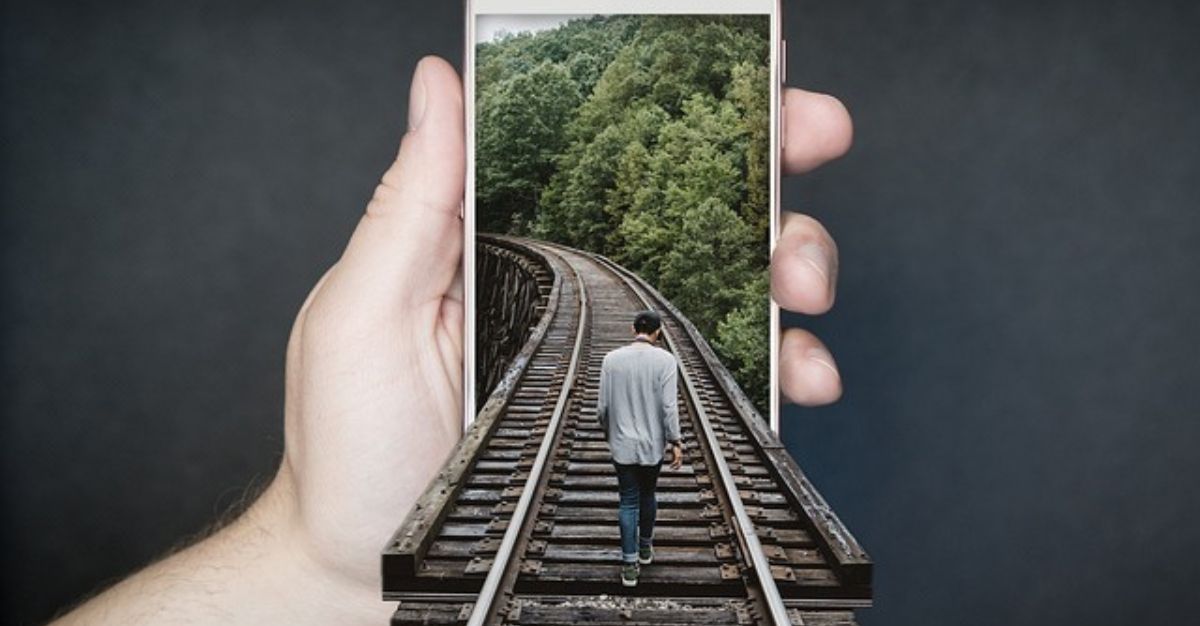
1. Clean Your Lens
Before heading out to capture nature’s wonders, ensure your phone’s camera lens is clean. Dirt or smudges can blur your photos, reducing their quality. A simple wipe with a microfiber cloth can make all the difference.
2. Use Natural Light to Your Advantage
Natural light is your best friend in nature photography. Shoot during the golden hours (early morning or late afternoon) for soft, warm lighting that adds depth and dimension to your photos.
3. Stabilize Your Phone
Avoid blurry images by keeping your phone steady. Use a tripod or rest your phone on a stable surface to achieve sharp, clear photos.
4. Experiment with Perspectives
Don’t settle for the usual eye-level shots. Try shooting from low angles, above, or even through objects like leaves or branches for unique perspectives.
5. Focus on Composition
Use the rule of thirds to compose your shots. Place your subject at the intersection points of an imaginary 3×3 grid for balanced and aesthetically pleasing photos.
6. Embrace Minimalism
Sometimes, less is more. Focus on a single subject and eliminate distractions from the frame to emphasize the beauty of your main focus.
7. Use HDR Mode
High Dynamic Range (HDR) mode can balance the exposure between the bright sky and darker landscapes, ensuring that both elements are well-lit and detailed.
8. Leverage Macro Mode
Many smartphones now come with a macro mode that allows you to capture intricate details of flowers, insects, or textures up close.
9. Adjust Exposure Manually
Tap on your screen to adjust the exposure level manually. This lets you control the brightness and shadow details for the perfect shot.
10. Use Editing Apps
Post-processing can enhance your photos significantly. Apps like Snapseed, Lightroom, or VSCO allow you to adjust brightness, contrast, and saturation to bring out the best in your shots.
11. Incorporate Leading Lines
Use natural lines, such as trails, rivers, or tree branches, to guide the viewer’s eye through your photo and create a sense of depth.
12. Capture Reflections
Look for reflective surfaces like ponds, lakes, or even puddles to add symmetry and visual interest to your photos.
13. Include Human Elements
Adding a person to your nature shots can provide scale and a sense of adventure, making your photos more relatable and dynamic.
14. Be Patient
Nature doesn’t always cooperate. Waiting for the right lighting, weather, or wildlife moment can result in a much more captivating photo.
15. Respect Nature
While chasing the perfect shot, always prioritize the environment. Avoid disturbing wildlife or damaging plants to ensure future generations can enjoy the same beauty.
The best time of day for nature photography
The best time of day for nature photography is typically during the golden hours and the blue hour, as these times offer unique lighting conditions that enhance the beauty of natural scenes:
1. Golden Hours
- Timing: Shortly after sunrise and just before sunset.
- Why It’s Great:
- The light is soft and warm, creating a golden glow.
- Shadows are longer, adding depth and dimension to the scene.
- Colors appear richer and more vibrant.
- Ideal Subjects: Landscapes, wildlife, and plants.
2. Blue Hour
- Timing: The period of twilight just before sunrise or after sunset.
- Why It’s Great:
- The light is diffused and cool, creating a serene, moody atmosphere.
- Great for capturing silhouettes or subtle gradations in the sky.
- Ideal Subjects: Landscapes, cityscapes blending with nature, and water reflections.
Additional Considerations:
- Midday:
- While less ideal, midday can work for certain shots, especially when you want vibrant, high-contrast images or are photographing in shaded areas like forests.
- Use a polarizing filter to reduce glare and enhance colors.
- Weather Conditions:
- Cloudy days provide soft, diffused light that’s excellent for close-ups and forest scenes.
- After rain, the landscape often looks fresh and vibrant, with reflections and rainbows possible.
Use filters from your phone’s camera app
Yes, most modern smartphones come with built-in filters and editing tools directly in their camera apps, making it easy to apply creative effects to your photos. Here’s how you can use them effectively:
Using Filters in Your Phone’s Camera App:
- Before Taking a Photo:
- Live Filters: Many camera apps allow you to apply filters in real-time while taking a photo. This lets you see how the image will look with the filter applied.
- Pro Mode: Some smartphones have “Pro” or “Manual” modes where you can adjust settings (like white balance and saturation) to mimic the effect of a filter.
- After Taking a Photo:
- Built-In Gallery Tools:
- Open the photo in your phone’s gallery or photo app.
- Use the “Edit” or “Filters” option to apply a preset filter.
- Third-Party Apps:
- Apps like Instagram, Snapseed, or Lightroom Mobile offer a broader range of filters and editing tools.
- Built-In Gallery Tools:
Advantages of Using Phone Filters:
- Convenience: Quick and easy adjustments without transferring files to another device.
- Creativity: Experiment with different looks and moods instantly.
- Time-Saving: No need for complex post-processing.
Limitations of Built-In Filters:
- Loss of Detail: Overuse of filters can reduce image quality or make photos look unnatural.
- Limited Customization: Default filters may not offer the fine-tuning options available in dedicated editing apps.
Tips for Using Filters Effectively:
- Start Subtle: Use filters lightly to enhance colors and contrast without overwhelming the natural beauty.
- Combine Filters with Editing: Adjust brightness, sharpness, or saturation manually after applying a filter.
- Experiment: Try various filters to see which complements the scene best, especially for nature photography where lighting and colors play a big role.
By using filters thoughtfully, you can enhance your nature photos while keeping them natural and visually appealing!
Conclusion
With these 15 tips, you can transform your mobile photography and capture nature in all its glory. Remember, practice is key. The more you experiment with angles, lighting, and techniques, the better your photos will become. So, grab your smartphone, head outdoors, and start snapping!
References
- National Geographic Photography Tips
- Smartphone Photography Guide – Adobe
- Photography Life: Nature Photography Tips
- read more
FAQs
Q1. Do I need a high-end smartphone for nature photography?
No, even mid-range smartphones with decent cameras can capture stunning nature photos if you use the right techniques.
Q2. Can I use filters directly from my phone’s camera app?
Yes, but it’s better to apply filters during post-processing to maintain control over the final look of your photo.
Q3. How do I prevent overexposure in bright sunlight?
Use your phone’s exposure adjustment feature and consider shooting in shaded areas or during less intense lighting conditions.
Q4. Are editing apps necessary for mobile photography?
While not mandatory, editing apps can significantly enhance your photos, helping you correct exposure, colors, and other elements.